 Bestseller
DCA Course Description – Vishal Computer Education
The Diploma in Computer Applications (DCA) at Vishal Computer Education is a professionally designed and career-focused computer course aimed at providing students with strong fundamental knowledge and practical skills in computer applications. This course is ideal for students, beginners, job seekers, and working professionals who want to build confidence in computer usage and improve their employability in today’s digital world.
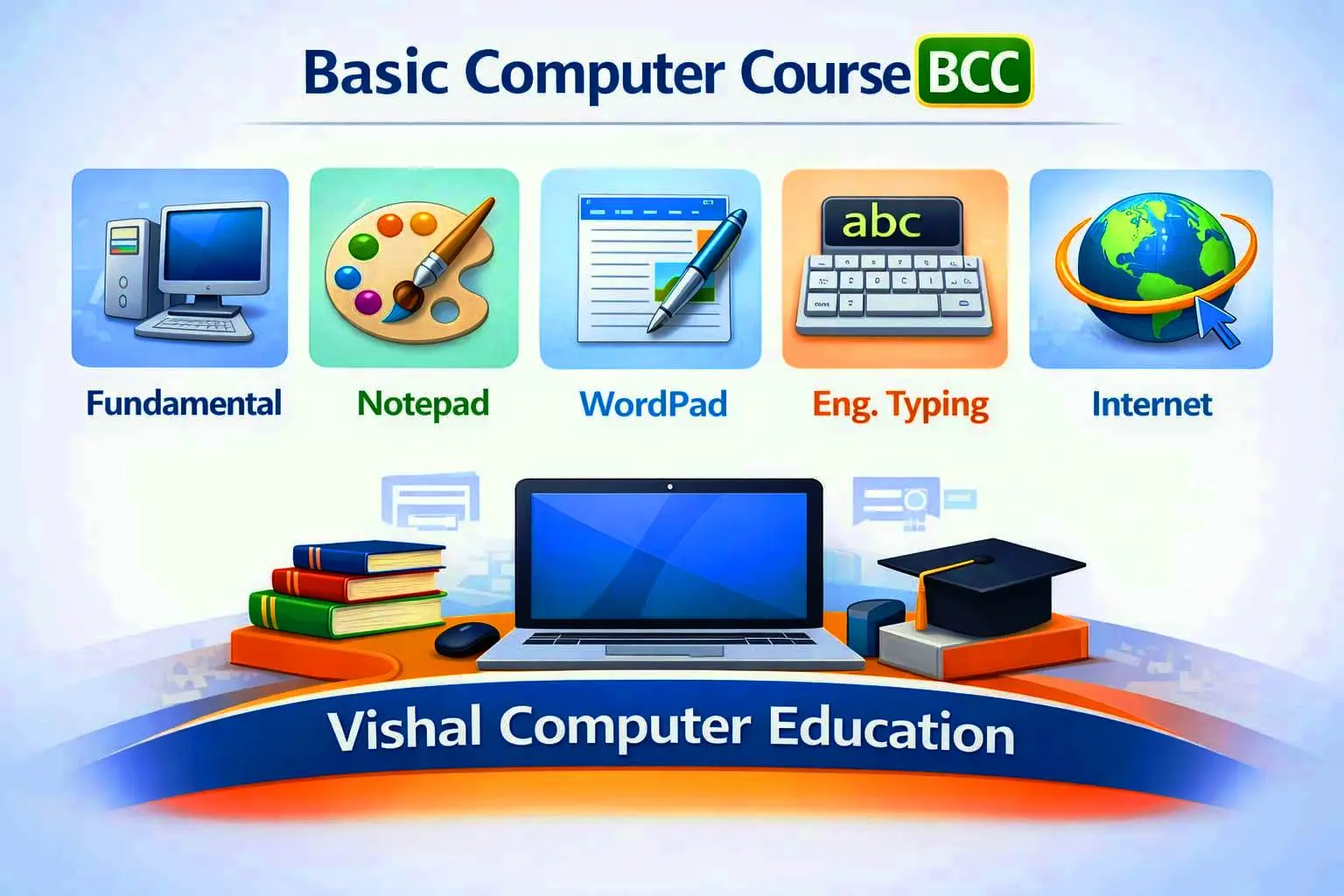
At Vishal Computer Education, the DCA course begins with a clear understanding of computer fundamentals, including the basics of computer systems, hardware and software concepts, operating systems, and file management. Special emphasis is given to practical learning so that students can understand how computers are used in real office and business environments.
The course includes in-depth training in popular office applications such as MS Word, MS Excel, MS PowerPoint, and MS Access. Students learn document preparation, data entry, spreadsheet management, data analysis, presentations, and database handling, which are essential skills for office and administrative work.
In addition, Vishal Computer Education provides comprehensive knowledge of Internet usage, email communication, online services, digital payments, cyber safety, and basic networking concepts. Students are trained to use the internet safely and effectively for professional and personal purposes.
The DCA curriculum at Vishal Computer Education also introduces students to basic programming concepts, logical thinking, and problem-solving skills, helping them understand the foundation of software applications. Regular practical sessions, assignments, and guided practice ensure that students gain hands-on experience and confidence in using computers independently.
Upon successful completion of the DCA course from Vishal Computer Education, students become capable of handling day-to-day computer tasks efficiently in offices, schools, banks, shops, and government or private organizations. The course opens career opportunities in roles such as Computer Operator, Data Entry Operator, Office Assistant, Junior IT Support, and Administrative Assistant.
Overall, the DCA course at Vishal Computer Education is designed to empower students with practical computer skills, professional confidence, and digital awareness, enabling them to succeed in academic pursuits and build a strong foundation for a career in information technology.
DCA Course – Detailed Syllabus
Module 1: Computer Fundamentals (Detailed)*
* Definition of Computer
* History & Generations of Computer
* Characteristics of Computer
* Types of Computers (Desktop, Laptop, Tablet, Mobile)
* Hardware Components (CPU, Motherboard, RAM, ROM, Hard Disk)
* Input Devices (Keyboard, Mouse, Scanner, Webcam)
* Output Devices (Monitor, Printer, Speaker)
* Software Types (System, Application, Utility)
* Operating System Overview
* Files, Folders & Drives
* Data, Information & Processing
* Computer Uses in Education, Banking, Office & Business
Module 2: English & Hindi Typing (Professional)
* Keyboard Layout & Finger Position
* Touch Typing Concepts
* Home Row, Upper Row & Lower Row Practice
* English Typing Speed & Accuracy Improvement
* Hindi Typing (Kruti Dev / Mangal / Remington)
* Hindi Keyboard Layout Practice
* Typing Software Practice
* Practical Typing Tests
* Time-bound Typing Exams
Module 3: Windows Operating System
* Introduction to Windows
* Desktop, Icons & Taskbar
* Start Menu & Search
* File & Folder Creation, Rename, Copy, Move, Delete
* Control Panel & Settings
* System Tools (Recycle Bin, Task Manager)
* Install & Uninstall Software
* Shortcut Keys
Module 4: MS Paint (Detailed)
* Interface of MS Paint
* Drawing & Shapes Tools
* Color Fill & Brushes
* Image Editing (Crop, Resize, Rotate)
* Save in Different Formats
* Practical Drawing & Design Work
Module 5: Notepad
* Text Editing Basics
* Create & Save Text Files
* Use of Notepad in Programming & Notes
* Practical Exercises
Module 6: WordPad
* Text Formatting Tools
* Insert Images & Objects
* Page Setup & Printing
* Comparison with MS Word
Module 7: MS Word (Advanced Office Use)
* Document Creation & Formatting
* Font, Paragraph & Styles
* Page Setup, Margins & Orientation
* Tables, Pictures, Shapes & SmartArt
* Header, Footer & Page Numbers
* Mail Merge (Letters & Envelopes)
* Resume, Bio-Data & Office Letters
* Report & Project Formatting
* Practical Office Documents
Module 8: MS Excel (Office & Data Handling)
* Workbook & Worksheet
* Cell Referencing
* Data Formatting
* Formulas & Functions (SUM, AVERAGE, COUNT, IF, VLOOKUP)
* Charts & Graphs
* Sorting, Filtering & Data Validation
* Basic Financial Calculations
* Practical Office & Business Sheets
Module 9: MS PowerPoint (Professional Presentations)
* Creating & Designing Slides
* Themes & Slide Layouts
* Animations & Transitions
* Insert Images, Audio & Video
* Slide Show Settings
* Presentation Skills Basics
* Practical Presentation Project
Module 10: Internet & Email (Digital Literacy)
* Internet Basics & Terminology
* Web Browsers (Chrome, Edge)
* Search Engines & Smart Searching
* Email Account Creation
* Sending, Receiving & Managing Emails
* Attachments & Email Etiquette
* Online Forms, Job Applications
* Digital Payments Awareness
* Cyber Safety & Security
Module 11: Computer Ethics & Cyber Security
* Ethical Use of Computer
* Password Management
* Virus, Malware & Antivirus
* Data Safety & Backup
* Online Frauds & Safety Tips
Module 12: Practical Training & Project Work
* Daily Lab Practice
* Real Office Work Simulation
* Resume & Cover Letter Preparation
* Mini Project
* Final Practical Exam
Module 12 : Project Work
Course Outcome
After completing this course from *Vishal Computer Education*, students will gain strong computer fundamentals, professional typing skills in English and Hindi, office automation expertise, internet literacy, and confidence to work in office, school, bank, shop, or business environments.
Copyright © 2026 DITRP INDIA. All Rights Reserved