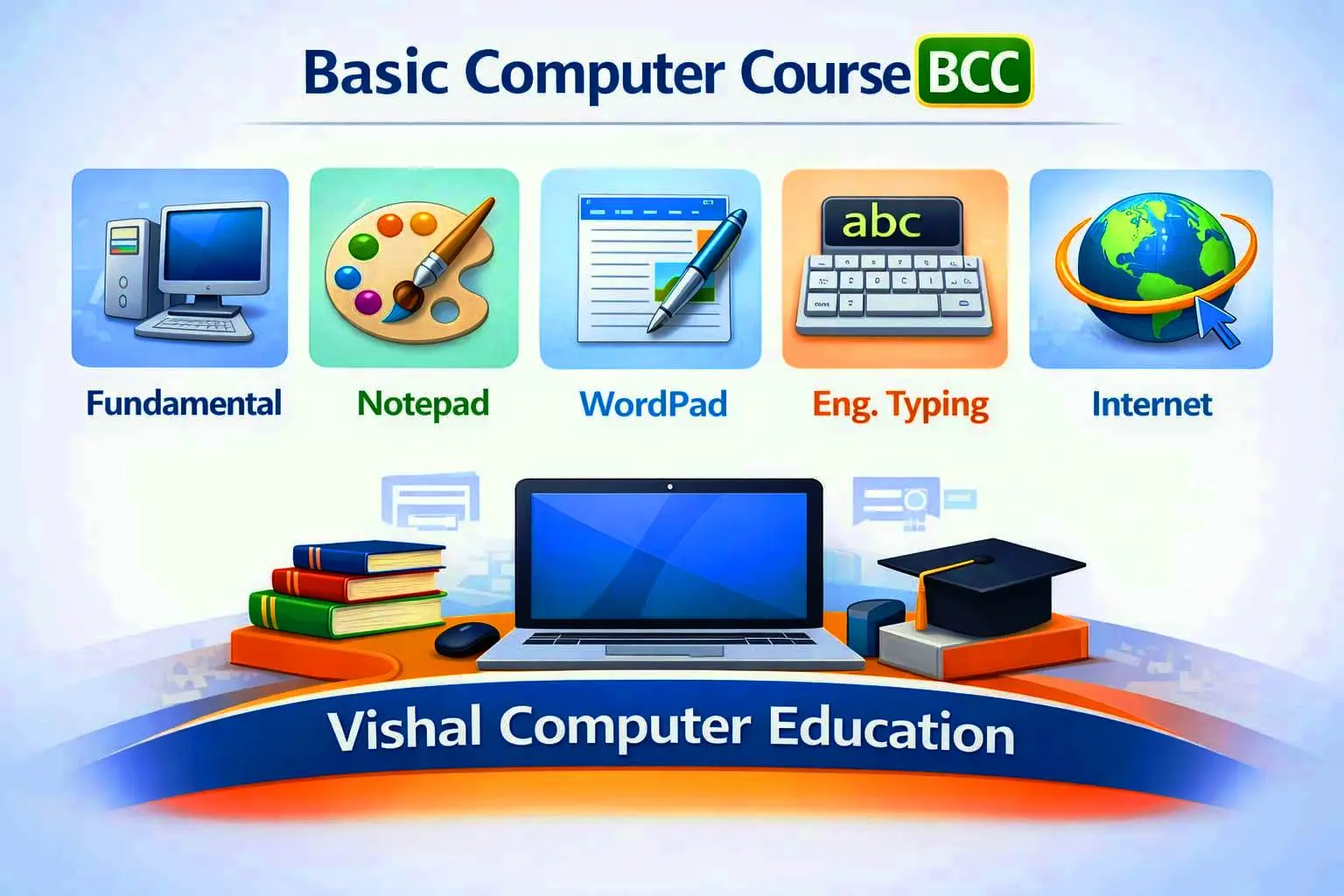
best computer centre in khesar.
 Bestseller
ADCA – Advanced Diploma in Computer Applications.
(Integrated Course of DCA + DTP + DFA)
ADCA Course Description
The Advanced Diploma in Computer Applications (ADCA) is a fully integrated, career-focused, and industry-oriented program designed by combining the complete curriculum of DCA (Diploma in Computer Applications), DTP (Diploma in Desktop Publishing), and DFA (Diploma in Financial Accounting) into a single advanced diploma course. This course is developed to meet the practical requirements of modern offices, businesses, digital service centers, printing units, and accounting environments.
The ADCA course begins with a strong foundation in computer fundamentals, enabling students to understand computer hardware, software, operating systems, file management, and professional computer usage. Students are trained in English and Hindi typing, focusing on speed, accuracy, and office-level typing standards, which are essential for clerical and data-entry work.
In the office automation module, students receive in-depth practical training in MS Word, MS Excel, and MS PowerPoint*, where they learn professional document preparation, spreadsheet management, advanced Excel functions, data analysis, report generation, and presentation skills used in real office environments.
The Desktop Publishing (DTP) segment of the ADCA course develops creative and design-oriented skills. Students are trained in Adobe Photoshop and PageMaker, covering photo editing, background correction, image retouching, card designing, poster and flex designing, logo designing, color management, and print-ready file preparation. Special emphasis is given to photo printing techniques, resolution handling, CMYK and RGB color modes, and professional layout designing for printing presses and advertising work.
The Financial Accounting (DFA) module provides complete knowledge of manual and computerized accounting. Students learn accounting fundamentals, journal entries, ledger posting, trial balance, final accounts, and practical business transactions. This is followed by computerized accounting using Tally Prime, including company creation, ledger and voucher entries, inventory management, payroll basics, and billing systems.
A major highlight of the ADCA course is GST (Goods and Services Tax) training, where students gain practical understanding of GST concepts, registration, tax rates, invoice creation, Input Tax Credit (ITC), and GST return basics such as GSTR-1 and GSTR-3B, along with GST reporting in Tally.
The course also includes internet and digital services training, such as email communication, online applications, digital payments, cyber safety, and professional internet usage, which are essential in today’s digital workplaces.
Throughout the course, strong emphasis is placed on practical training, real-life assignments, tutorials, and project work. Students work on live projects including office documents, accounting records, GST-based billing, photo editing, poster design, and complete company accounting projects, ensuring they become job-ready professionals.
After successful completion of the ADCA course from Vishal Computer Education, students become multi-skilled professionals capable of working in offices, schools, banks, business firms, accounting offices, printing presses, CSC centers, advertising agencies, or starting their own computer center, DTP studio, accounting service, or digital service business.
The ADCA course is an ideal choice for students who want one complete diploma covering computer applications, designing, and accounting, making them highly employable and self-reliant in the modern digital economy.
ADCA एक समेकित, रोजगारोन्मुखी एवं व्यावसायिक कोर्स है, जिसे DCA (कंप्यूटर एप्लिकेशन), DTP (डेस्कटॉप पब्लिशिंग) और DFA (फाइनेंशियल अकाउंटिंग) के संपूर्ण विषयों को मिलाकर तैयार किया गया है। यह कोर्स आधुनिक कार्यालयों, व्यवसायों, डिजिटल सेवा केंद्रों, प्रिंटिंग प्रेस तथा अकाउंटिंग क्षेत्र की व्यावहारिक आवश्यकताओं को ध्यान में रखकर बनाया गया है।
इस कोर्स की शुरुआत कंप्यूटर फंडामेंटल्स से होती है, जिसमें छात्रों को कंप्यूटर हार्डवेयर, सॉफ्टवेयर, ऑपरेटिंग सिस्टम, फाइल प्रबंधन तथा कंप्यूटर के प्रोफेशनल उपयोग की पूर्ण जानकारी दी जाती है। इसके साथ ही अंग्रेजी एवं हिंदी टाइपिंग में स्पीड एवं शुद्धता पर विशेष ध्यान दिया जाता है, जो कार्यालय एवं डाटा एंट्री कार्य के लिए अत्यंत आवश्यक है।
ऑफिस ऑटोमेशन मॉड्यूल में छात्रों को MS Word, MS Excel एवं MS PowerPoint का विस्तृत प्रशिक्षण दिया जाता है, जिसमें प्रोफेशनल डॉक्यूमेंट तैयार करना, एडवांस्ड एक्सेल फंक्शंस, डेटा विश्लेषण, रिपोर्ट बनाना तथा प्रभावशाली प्रेजेंटेशन तैयार करना सिखाया जाता है।
DTP मॉड्यूल के अंतर्गत Photoshop एवं PageMaker के माध्यम से फोटो एडिटिंग, बैकग्राउंड सुधार, कार्ड डिजाइनिंग, पोस्टर एवं फ्लेक्स डिजाइन, लोगो डिजाइन, कलर मैनेजमेंट तथा प्रिंटिंग के लिए फाइल तैयार करना सिखाया जाता है। फोटो प्रिंटिंग, CMYK एवं RGB कलर मोड तथा प्रिंट क्वालिटी पर विशेष फोकस किया जाता है।
DFA मॉड्यूल में छात्रों को मैनुअल एवं कंप्यूटराइज्ड अकाउंटिंग का संपूर्ण ज्ञान दिया जाता है। इसमें लेखांकन के मूल सिद्धांत, जर्नल एंट्री, लेजर, ट्रायल बैलेंस, फाइनल अकाउंट्स तथा Tally Prime with GST के माध्यम से प्रैक्टिकल अकाउंटिंग, इन्वेंट्री मैनेजमेंट, पेरोल एवं बिलिंग सिखाई जाती है।
GST प्रशिक्षण इस कोर्स का प्रमुख भाग है, जिसमें जीएसटी की अवधारणा, पंजीकरण, टैक्स दरें, बिल बनाना, इनपुट टैक्स क्रेडिट तथा GSTR-1 एवं GSTR-3B जैसी रिटर्न की मूल जानकारी दी जाती है।
इसके अतिरिक्त, छात्रों को इंटरनेट, ई-मेल, ऑनलाइन फॉर्म, डिजिटल पेमेंट एवं साइबर सुरक्षा का व्यावहारिक प्रशिक्षण दिया जाता है। पूरे कोर्स में प्रैक्टिकल ट्रेनिंग, ट्यूटोरियल, असाइनमेंट एवं लाइव प्रोजेक्ट्स पर विशेष जोर दिया जाता है।
ADCA कोर्स सफलतापूर्वक पूरा करने के बाद विद्यार्थी कार्यालय, स्कूल, बैंक, व्यवसायिक संस्थान, अकाउंटिंग ऑफिस, प्रिंटिंग प्रेस, CSC सेंटर या विज्ञापन एजेंसी में कार्य करने योग्य बन जाते हैं या स्वयं का कंप्यूटर, अकाउंटिंग अथवा DTP से संबंधित कार्य शुरू कर सकते हैं।
ADCA – Advanced Diploma in Computer Applications
SEMESTER – I : Computer Applications (DCA)
Paper 1: Computer Fundamentals
* Introduction to Computer
* History and Generations of Computer
* Hardware and Software
* Input, Output and Storage Devices
* Operating System Basics
* Files, Folders and Data Management
Paper 2: Windows & Basic Applications
* Windows Operating System
* Desktop, Icons, Taskbar, Control Panel
* MS Paint
* Notepad
* WordPad
Paper 3: English & Hindi Typing
* Keyboard Layout and Finger Practice
* English Typing (Speed and Accuracy)
* Hindi Typing (Kruti Dev / Mangal)
* Typing Practice and Tests
Paper 4: MS Office –
* Document Creation & Formatting
* Font, Paragraph & Styles
* Page Setup, Margins & Orientation
* Tables, Pictures, Shapes & SmartArt
* Header, Footer & Page Numbers
* Mail Merge (Letters & Envelopes)
* Resume, Bio-Data & Office Letters
* Report & Project Formatting
* Practical Office Documents
MS Excel (Office & Data Handling)
* Workbook & Worksheet
* Cell Referencing
* Data Formatting
* Formulas & Functions (SUM, AVERAGE, COUNT, IF, VLOOKUP)
* Charts & Graphs
* Sorting, Filtering & Data Validation
* Basic Financial Calculations
* Practical Office & Business Sheets
MS PowerPoint (Professional Presentations)
* Creating & Designing Slides
* Themes & Slide Layouts
* Animations & Transitions
* Insert Images, Audio & Video
* Slide Show Settings
* Presentation Skills Basics
* Practical Presentation Project
Paper 5: Internet & Digital Literacy
* Internet Fundamentals
* Web Browsers and Search Engines
* Email Creation and Usage
* Online Forms and Digital Awareness
* Cyber Safety Basics
Practical – I
* Typing Practice
* MS Word Practical
* Internet Practical
SEMESTER – II : Desktop Publishing (DTP)
Paper 6: Design Fundamentals
* Basics of Graphic Designing
* Color Theory
* Typography
* Image Resolution and Formats
Paper 7: Adobe Photoshop
* Photoshop Interface
* Selection Tools and Layers
* Photo Editing and Retouching
* Background Removal
* Color Correction and Effects
Paper 8: PageMaker / InDesign
* Page Setup and Layout Design
* Text Formatting and Columns
* Image Placement
* Book, Magazine and Newspaper Layout
* Print-Ready File Preparation
Paper 9: Designing Applications
* Visiting Card Designing
* Wedding and Invitation Cards
* Poster and Flex Designing
* Logo Designing
* Certificate Designing
Paper 10: Photo Printing & Color Management
* RGB and CMYK Color Modes
* Printer Types and Paper Sizes
* Print Settings and Quality Control
* Color Matching and Output Accuracy
Practical – II
* Live Design Work
* Poster / Card / Logo Project
* Photo Printing Practice
SEMESTER – III : Financial Accounting (DFA)
Paper 11: Accounting Fundamentals
* Introduction to Accounting
* Accounting Principles
* Types of Accounts
* Golden Rules of Accounting
* Journal, Ledger and Trial Balance
Paper 12: Final Accounts
* Trading Account
* Profit and Loss Account
* Balance Sheet
* Adjustment Entries
* Depreciation
Paper 13: Computerized Accounting with Tally Prime
* Company Creation and Configuration
* Ledger and Group Creation
* Voucher Entry
* Sales and Purchase Accounting
* Cash and Bank Management
Paper 14: Inventory & Payroll
* Stock Groups and Stock Items
* Godown Management
* Stock Valuation
* Payroll Basics
* PF and ESI Introduction
Paper 15: GST (Goods and Services Tax)
* GST Concepts and Types (CGST, SGST, IGST)
* GST Registration
* GST Rates and HSN/SAC Codes
* GST Invoices
* Input Tax Credit (ITC)
* GST in Tally
Paper 16: GST Returns & Income Tax Basics
* GSTR-1 Overview
* GSTR-3B Overview
* GST Payment Process
* Introduction to Income Tax
* PAN and TDS Basics
Practical – III
* Complete Company Accounting in Tally
* GST Billing Project
* Final Practical Examination
Final Project & Viva
* Integrated Project (Office + DTP + Accounting)
* Viva Voce
Course Outcome
After completing the ADCA course, students will become skilled in computer applications, professional designing, and financial accounting with Tally and GST, enabling them to work in offices, businesses, accounting firms, printing presses, CSC centers, or start their own service-based work.

best computer centre in khesar.

best computer centre in khesar, banka

very good application

very best application.

very nice best computer center in khesar

very nice best computer center in Khesar

Best Computer Centre in khesar
Copyright © 2026 DITRP INDIA. All Rights Reserved